AX: designing for the agent and the person it works for
User experience design manages a person's attention. Agent experience serves two users at once: the agent doing the work and the person who answers for it. How the two compare, and the products already doing AX well.
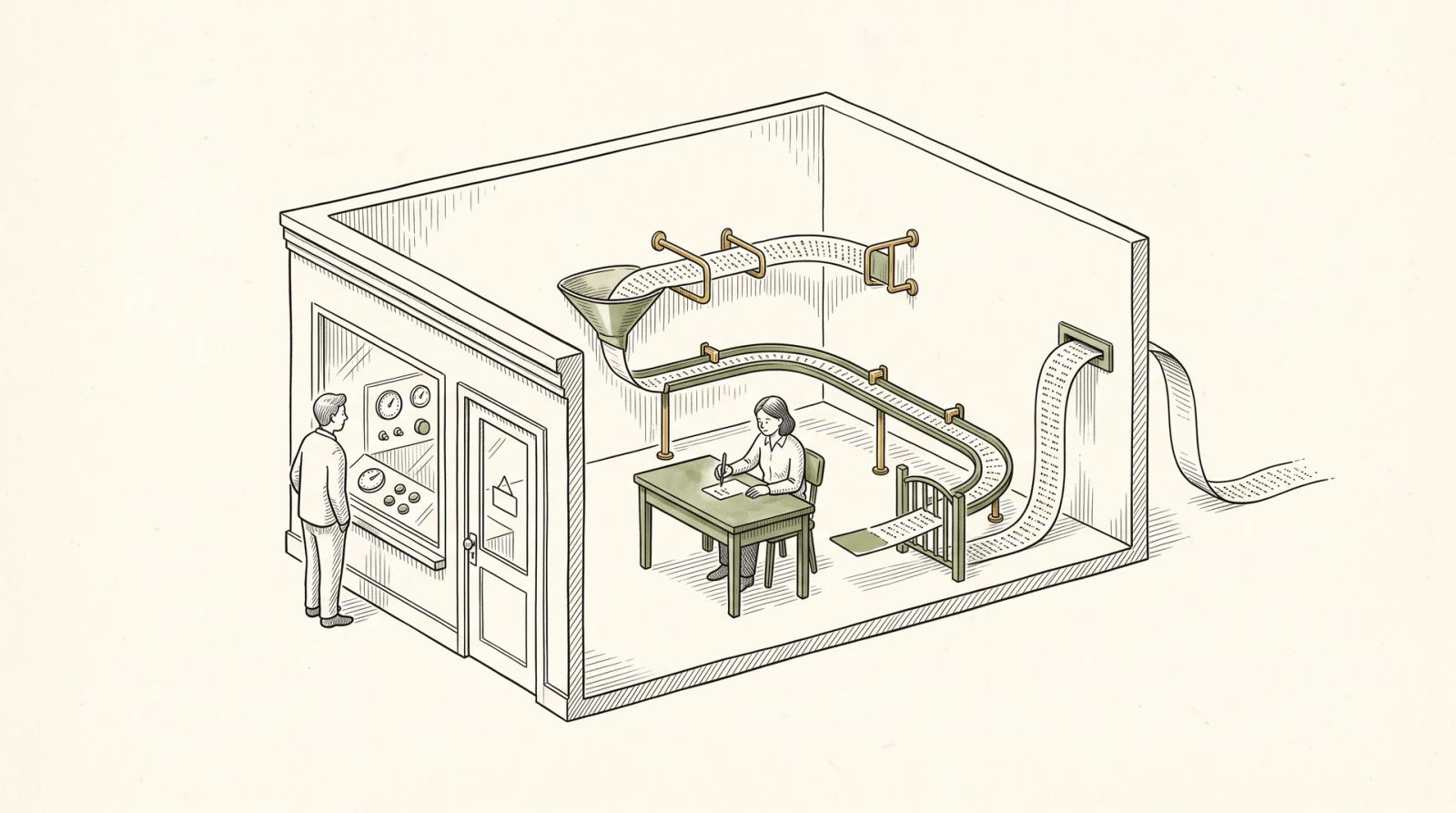
Every interface I’ve built assumed someone was looking at it. A button is a promise to a pair of eyes: this is here, it does that, press it. Most good UX comes down to managing a person’s attention. You show the next step, hide the rest, and catch a mistake before it costs anything.
A growing share of software’s users never look at anything. An agent reads a tool description, calls an endpoint, parses what comes back, and decides its next move from that text. Designing for that user already has a name, agent experience or AX, and it’s been argued over widely since Netlify’s Mathias Biilmann wrote about it in January 2025. Most of that conversation is about the agent: cleaner APIs, docs a model can read, tools that don’t flood it with output.
That’s half the job. AX isn’t UX with a different user swapped in, because an agent always works for someone. An app built for agents has two users at once: the agent doing the work, and the person who handed it over and still answers for the result. A great agent interface designs for both of them, and for the moment the work passes from one to the other.
The user who reads everything
A person skims. An agent reads every word it’s given, and every word costs it something. Its scarce resource is context, the text a model can hold in view while it works. Every page, response, and error message an app returns spends some of it.
An agent is also literal and persistent. The researchers behind SWE-agent found that “when given a large number of search results, agents tend to look through every match exhaustively.” Given a vague error, an agent doesn’t go looking for help. It guesses and tries again.
The same research is the clearest evidence that the interface, not just the model, decides how well an agent works. In 2024 a Princeton team gave GPT-4 Turbo the same set of real GitHub issues through two interfaces. Through a plain shell, it resolved 11% of SWE-bench Lite. Through commands designed for a model, it resolved 18%. The file viewer showed at most 100 lines at a time. Search returned at most 50 results, and asked for a narrower query when there were more. The editor ran a linter and rejected edits that broke the file. Removing just that check dropped the score to 15%. Same model, 64% more problems solved. The authors called what they’d built an agent-computer interface.
Most UX goals carry over to agents. The techniques change:
| Designing for a person (UX) | Designing for an agent (AX) | |
|---|---|---|
| Scarce resource | Attention | Context, and the person’s authority |
| Discovering what’s possible | Visible controls and menus | Descriptions the agent reads: tool docs, plain-text pages |
| Keeping it simple | Progressive disclosure, good defaults | Search before list, short responses by default |
| Preventing mistakes | Disabled buttons, confirmation dialogs | Inputs that can’t be misread, limits the server enforces |
| Errors | A red message next to the field | A message that says exactly what to try next |
| Getting started | A signup flow | Act first, let the person claim it after |
| Trust | The user is there, watching | Scoped, expiring permission and a record of who did what |
Here’s one ordinary task through both columns. Watch step 5, where the agent sends only pre-approved text and hands anything else to the owner.
Figure 01 · Hypothetical example
One reschedule, two interfaces
An electrician's scheduling app gets the same request twice: move the Garcia panel upgrade to Thursday afternoon and let the customer know. Once from the owner at the screen, once from the owner's agent. The steps line up. What each user needs at each step doesn't.
| Step | The owner, in the app | The owner's agent, through the app's tools |
|---|---|---|
| 1. Find out what's possible | Sees a Schedule tab and a drag handle on each job. | Reads three tool descriptions: find_jobs, reschedule_job, notify_customer. |
| 2. Find the job | Types “Garcia” and picks the right card by its address. | find_jobs(customer: "Garcia") returns “Panel upgrade · Garcia · Tue Nov 3, 9–11 a.m.” with its ID. |
| 3. Try the change | Drags the card to Thursday at 2 p.m. The slot turns red. | reschedule_job to Thu 2–4 p.m. returns: “Overlaps another job until 3 p.m. Open Thursday windows: 10 a.m.–noon, 3–5 p.m.” |
| 4. Decide | Drops it at 3 p.m. instead. | Retries with 3–5 p.m., the open window that still matches “afternoon.” Rescheduled. |
| 5. Tell the customer | Opens the customer's thread and types a note. | notify_customer sends the approved “rescheduled” text from the business number. Anything free-form goes to the owner first. |
| 6. Leave a record | History: “Moved by the owner.” | History: “Moved by Assistant, an agent, for the owner,” with an undo. The owner gets a one-line summary. |
Serving the agent
The first half of a great agent interface is for the agent. It’s also for the person, because every wasted token and every wrong guess turns into cost, delay, or a mistake the person answers for.
It describes itself in text
For an agent, the documentation is the interface.
Stripe serves every docs page as plain Markdown when you add .md to the URL, and publishes an llms.txt index that tells agents where to look. Vercel returns Markdown from the same URL when a request asks for it with an Accept: text/markdown header. In Vercel’s example, a page that weighs about 500 KB as HTML is 3 KB as Markdown. To an agent, the other 497 KB is markup it has to pay to read.
Tool descriptions work the same way. Anthropic’s guide to writing tools for agents says to write each one the way you’d explain the job to a new hire. In one case, Claude kept adding “2025” to its web searches, which skewed the results, until the team fixed the search tool’s description.
It spends the agent’s context carefully
The tempting move is to expose every API endpoint as a tool. Cloudflare’s API has more than 2,500 endpoints. Described as conventional MCP tools, Cloudflare estimates they’d take 1.17 million tokens, far more than an agent can afford to read before doing any work. Its Code Mode server offers two tools instead. search() lets the agent write a short program that queries the API spec, and execute() runs a program against the API itself. Together they cost about 1,000 tokens. The full spec never enters the model’s context, only the slice the agent searched for.
That’s progressive disclosure, one of the oldest ideas in UX, for a reader that pays by the word. Anthropic’s guide makes the same point at a smaller scale: offer search_logs instead of a tool that dumps the whole log, and schedule_event instead of making the agent list everyone’s calendar, find a gap, and book it in three calls.
It’s hard to misuse, and its errors teach
The best agent interfaces leave no room for interpretation. Anthropic’s team noticed a model making mistakes with relative file paths once it had moved out of the root directory, so they changed the tool to require absolute paths, and “the model used this method flawlessly.” A parameter named user_id beats one named user. A response that says “Garcia, panel upgrade” beats a bare ID.
When a mistake gets through anyway, the error message is the agent’s only teacher, and the agent will do what it says. “Invalid date” produces another guess. “start must be an ISO date, such as 2026-11-05” produces the right call. SWE-agent’s search did this well. When a query matched too much, it returned no results and told the agent to narrow it.
Serving the person
An agent can’t be held accountable, so the person’s authority is the other scarce resource. Every time the agent stops to ask, it spends the person’s attention and stalls the work. A good app makes it stop rarely, and in the right places: when an action spends money, can’t be undone, speaks in the person’s name, or makes them the owner of something. Everywhere else, the agent should be free to work. In the figure, the agent moves the job on its own, but a message in the owner’s own words waits for the owner.
It bounds authority on the server, not in the prompt
An instruction in the agent’s prompt isn’t a limit. The best designs put the limit where the agent can’t talk its way past it.
Stripe’s shared payment tokens, still in preview, let an AI platform pay a merchant with a customer’s card without handing the card over. The platform’s server issues a token for one seller, capped at an amount and currency, with an expiration. Stripe enforces the cap, so the seller can’t charge more, and the seller never holds the card details. The token can be revoked at any time, and webhooks report when it’s used. Stripe also marks where the agent has to stop: an agent may not work through an Affirm loan application for the buyer. The buyer navigates and confirms it themselves. Knowing which screens must stay human is part of AX too.
It lets the agent start alone and the person finish
Netlify handles a different boundary, the account. An agent can run netlify deploy --allow-anonymous and publish a live site with no account at all. It gets back a claim token, and the person has an hour to claim the site before Netlify deletes it. The agent does the part it can do alone. The person does the part only they can do, which is decide to own it.
It keeps the person in charge and informed
Linear treats agents as workspace members. You can mention them, assign them issues, and read their replies in comments. But assigning an issue to an agent makes it the delegate, not the assignee, so a person still owns the work. Linear’s agent interaction guidelines read like an AX style guide. An agent should always say it’s an agent. It should acknowledge a request right away, and Linear’s API asks for a first response within 10 seconds. It should show whether it’s thinking, waiting, working, or done, and it should back off the moment it’s asked to. The last guideline is the bluntest: “An agent cannot be held accountable.”
Sometimes the person needs an actual screen, and that has moved too. MCP Apps, an official extension to the Model Context Protocol since January 2026, lets a tool return an interactive interface that renders inside the conversation: a form, a chart, a confirmation. UI doesn’t disappear in AX. It shows up at the moment the person has to decide something.
Test it like a usability study
UX teams watch people use a product and note every hesitation. You can do the same with agents, and run it every night. Netlify built an open-source framework for it, AXIS, that runs real agents through realistic tasks and scores how they did.
The cheapest version needs no framework. Give an agent a real task in your product and read the transcript. Every place it guesses, retries, scrolls through a wall of output, or asks for a screenshot is a usability bug that no person reported.
Two users, one handoff
UX taught software to respect a person’s attention. AX asks it to respect two other things: the agent’s context and the person’s authority.
The best agent interfaces I found don’t try to cut the person out. They make the person’s part small and obvious: claim the site, set the spending limit, own the issue. The agent does everything up to that point, and the app makes sure that point arrives.
Most of the work will come from a user who never looks. The person it works for will look once, at the moment that matters, and that moment has to be designed.